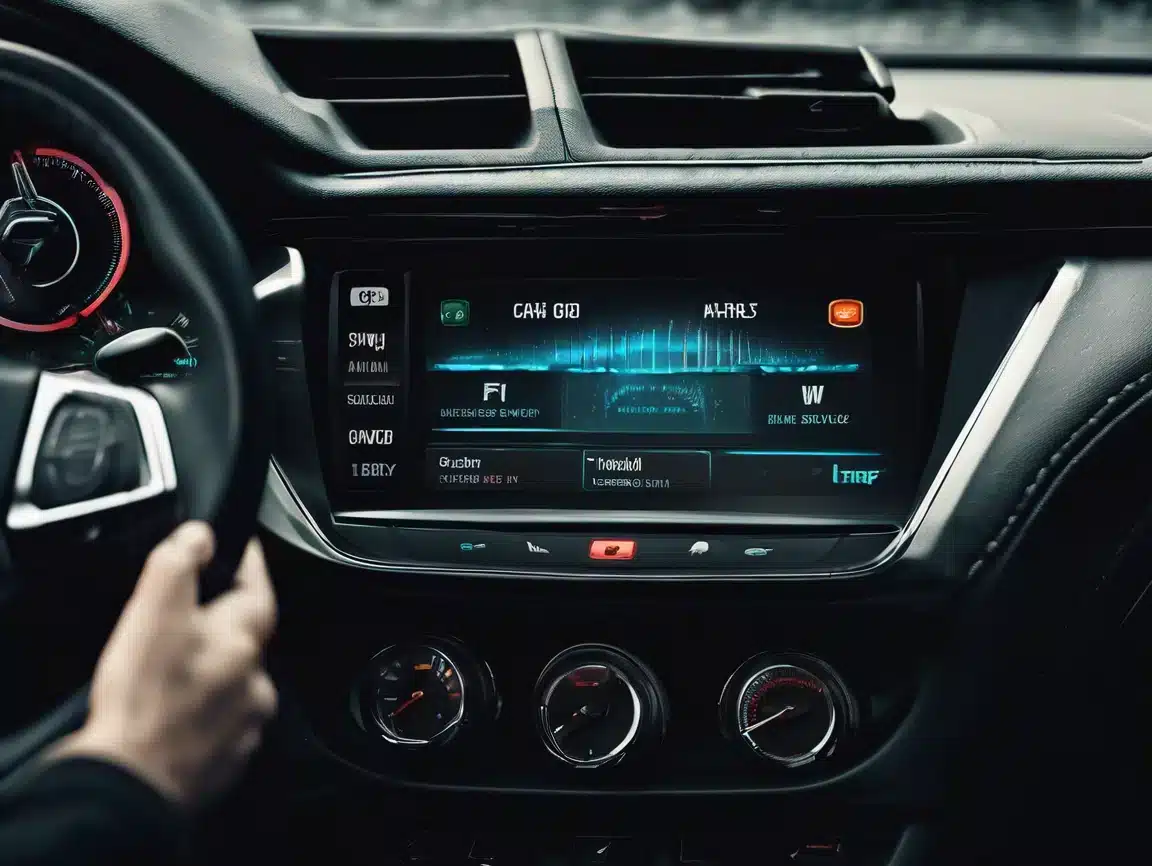
Car Android Stereo Repair Made Easy for Best Performance

Learn effective Car Android Stereo Repair tips to fix common issues, improve performance, and ensure reliable operation of your vehicle’s multimedia system.
Водіння Car Android Stereo

Car Android Stereo Repair: How to Fix Common Issues and Improve Performance

Car Android stereo repair is crucial for ensuring your vehicle’s multimedia system delivers reliable performance and an enjoyable driving experience. Many users encounter problems like system freezes, touchscreen failures, and connectivity issues that reduce the functionality of their Android car stereo. This guide will help you diagnose, troubleshoot, and repair common issues efficiently, improving your car stereo’s stability and responsiveness.

Common Problems in Android Car Stereo Systems

  • System crashes, freezes, or boot loops that interrupt use
  • Touchscreen unresponsiveness or lag affecting control
  • Bluetooth pairing failures disrupting hands-free calls and audio
  • Audio distortion, low volume, or complete sound loss
  • Slow system startup or firmware update errors

Typical Causes of These Issues

Most problems stem from outdated firmware, corrupted system files, loose hardware connections, or incompatible third-party apps. Environmental factors such as heat or moisture can also damage internal components.

How to Repair Your Car Android Stereo

1. Restart and Factory Reset

Perform a simple restart first to clear temporary glitches. If issues persist, a factory reset will restore system settings and remove corrupted data. For detailed guides, visit our Blogs and Tutorials page.

2. Inspect Hardware Connections

Check all wiring harnesses and connectors behind the stereo for looseness, corrosion, or damage. Secure and clean connectors to avoid signal interruptions. More hardware inspection details can be found on our Blogs and Tutorials page.

3. Update Firmware Regularly

Download and install the latest firmware from our Firmware Upgrade section. Firmware upgrades often fix bugs and improve compatibility.

4. Troubleshoot Bluetooth and Connectivity

Delete old paired devices and re-pair your phone to resolve Bluetooth conflicts. Verify Wi-Fi settings if your stereo supports wireless connections. Troubleshooting details can be found on our Troubleshooting page.

5. Diagnose and Repair Audio Issues

Test speakers individually to rule out hardware faults. Adjust volume and sound settings and use diagnostic tools if available to identify driver or hardware issues.

When to Seek Professional Car Android Stereo Repair

If the above steps don’t resolve the issue, professional repair is recommended. Our FixMyDash remote repair services specialize in Android car stereo repair, including software fixes, firmware recovery, and system optimisation without removing your device.

Maintenance Tips for Better Performance and Reliability

  • Keep firmware and apps up to date
  • Avoid installing untrusted third-party applications
  • Protect your device from moisture and extreme temperatures
  • Use quality cables and accessories designed for your stereo model

Висновок

Effective car Android stereo repair starts with understanding common issues and their causes. By following these troubleshooting steps, you can restore your system’s performance and reliability. For complex problems, rely on FixMyDash expert remote repair services to get your car stereo back to optimal condition. Потрібна професійна допомога? Зв’яжіться з нами через WhatsApp зараз, щоб отримати експертні послуги з ремонту Car Android Stereo та підтримувати мультимедійну систему вашого автомобіля в безперебійній роботі.
Lifetime Activation

Toppal AI Car Assistant Pro:
Ultimate Edition

Unlock the full potential of your vehicle with the Toppal AI Car Assistant Pro License Code. Enjoy voice-controlled navigation, personalised driving suggestions, and real-time traffic updates. Upgrade for smarter, safer driving with advanced ChatGPT integration.

FEATURE STANDARD PRO VERSION
Voice-Controlled Navigation ✓ Yes ✓ Yes
Hands-Free Media Control ✓ Yes ✓ Yes
Personalised Driving Suggestions ✕ No ✓ Yes
Real-time traffic updates ✕ No ✓ Yes
Advanced ChatGPT integration ✕ No ✓ Yes
STANDARD LICENSE
Was $28.00
$18.00
One-time payment
BEST VALUE / MOST POPULAR
PRO ACTIVATION (FULL AI)
Was $45.00
$28.00
Lifetime Pro access

Transform your vehicle with Toppal AI. No Subscriptions. Smarter Forever. | Delivered instantly via email.

ChatGPT Special Premium Edition

The most advanced, intelligent, and seamless AI driving experience.

Toppal AI Car Assistant
for ChatGPT

Experience cutting-edge technology with the Toppal AI Car Assistant, powered by ChatGPT. This intuitive system enhances your car's multimedia experience, allowing seamless voice control, navigation, and smart assistant features, all integrated into your vehicle.

Original Price: $75.00 / year
$45.00
1-Year Premium Access

Get ready to drive smarter with hands-free voice commands and navigation assistance.
Digitally delivered instantly upon purchase.

×
$5.0 Експертна діагностика
Миттєва допомога для екрану Android вашого автомобіля
Експертна діагностика
  • Професійний аналіз 1 на 1
  • Швидка відповідь протягом 24 годин
  • 100% відшкодування у разі оновлення або ремонту
Оплатіть $5.0 зараз і почніть діагностику
Неповоротна, але повна вартість ремонту буде вирахувана з $5.0

Залишити коментар

Кошик