

















Покроковий посібник із активації голосу Toppal на вашій автомобільній системі Android
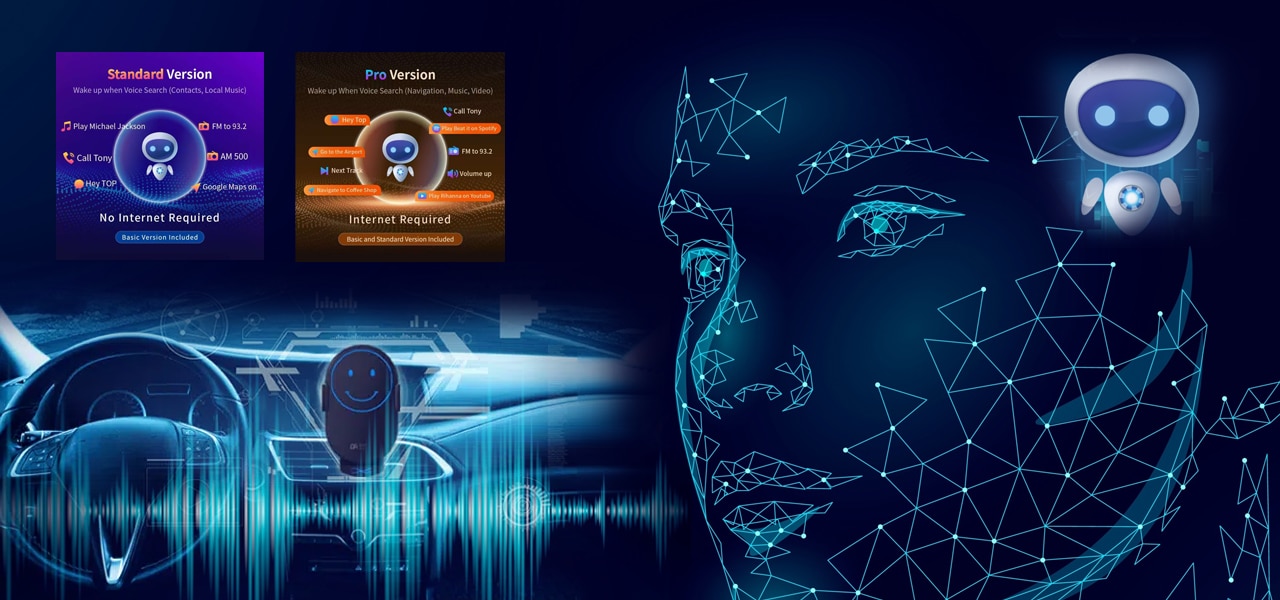
Activating Toppal Voice on your car’s Android system is crucial for unlocking advanced voice control features. This step-by-step guide covers everything from downloading to activation to ensure a smooth experience.
Software Overview
Toppal Voice is designed specifically for automotive Android head units. It supports multilingual voice recognition covering navigation, music, calls, and app control. The Standard and Pro versions share one installation package; features are unlocked via activation codes. For official updates and detailed features, watch the FixCarScreen TikTok tutorial video.
Download Link
Please download the installation package here:
👉 Toppal Voice Unified Installation Package (Standard & Pro)
Installation Steps
- Enable “Allow installation from unknown sources” in your car’s Android settings.
- Transfer the APK file to your car system using USB, SD card, or Wi-Fi.
- Locate the APK file via file manager and tap to install.
- Once installed, open the “Toppal Voice” app.
Activation Guide
Features are controlled by activation codes: purchase a Standard or Pro code to unlock corresponding functions. Learn more about activation codes and licensing on the FixCarScreen TikTok tutorial video.
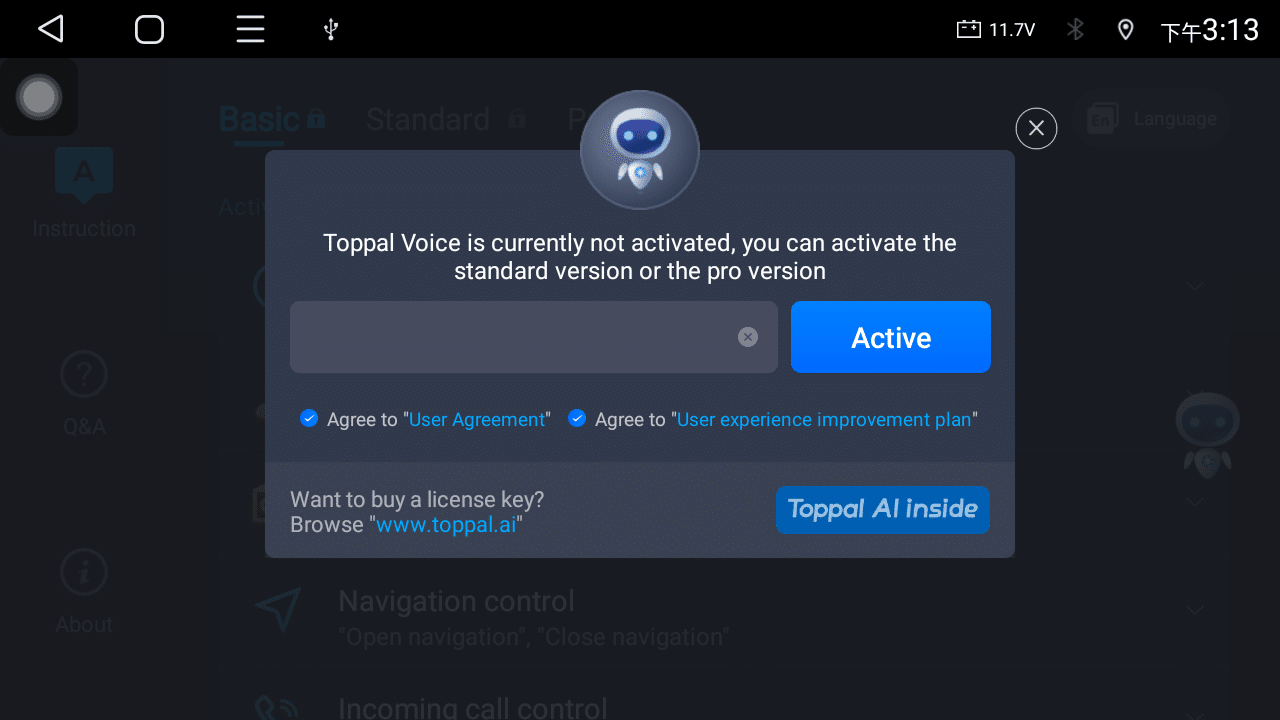
Open the app’s activation page, enter your activation code, and complete the authorization. After successful activation, you can enjoy all the voice control features of your purchased version.
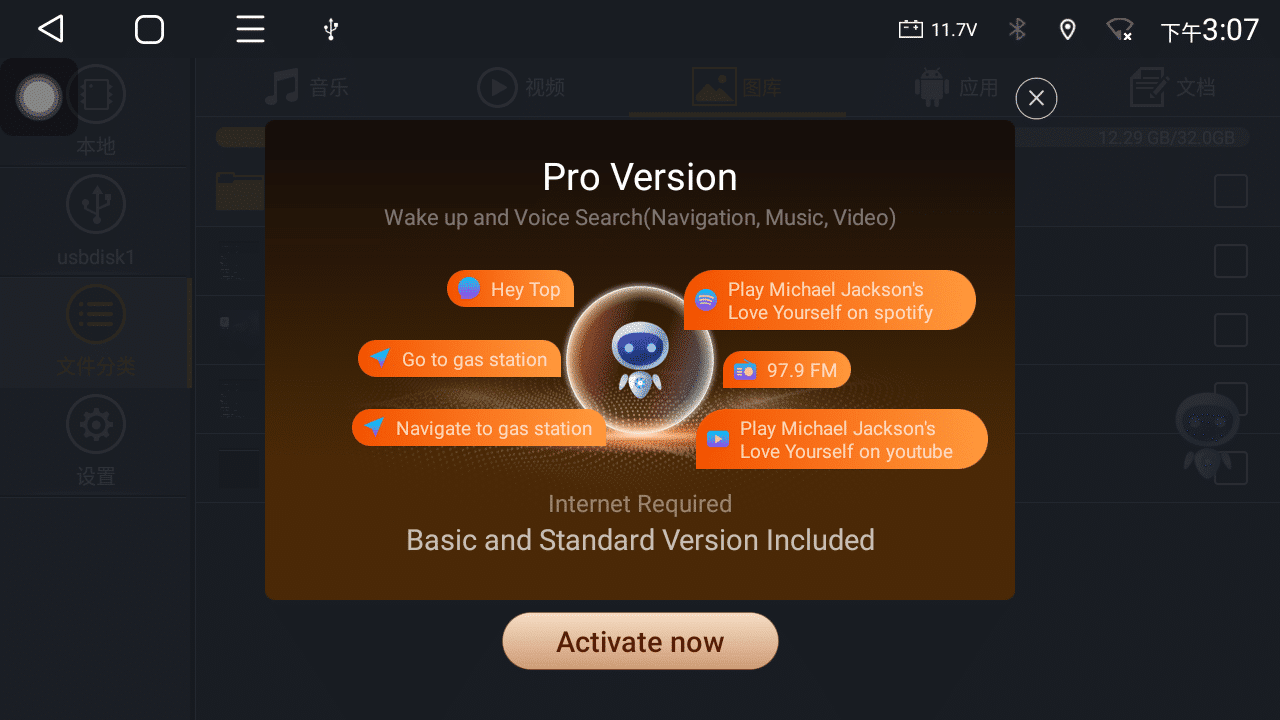
Activation Confirmation Screen
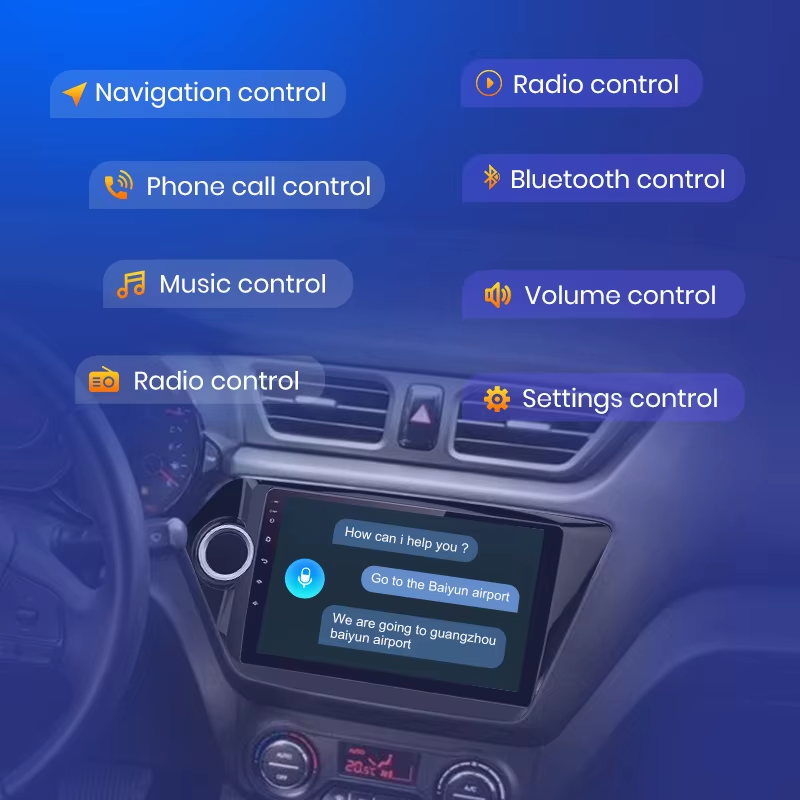
Feature Showcase
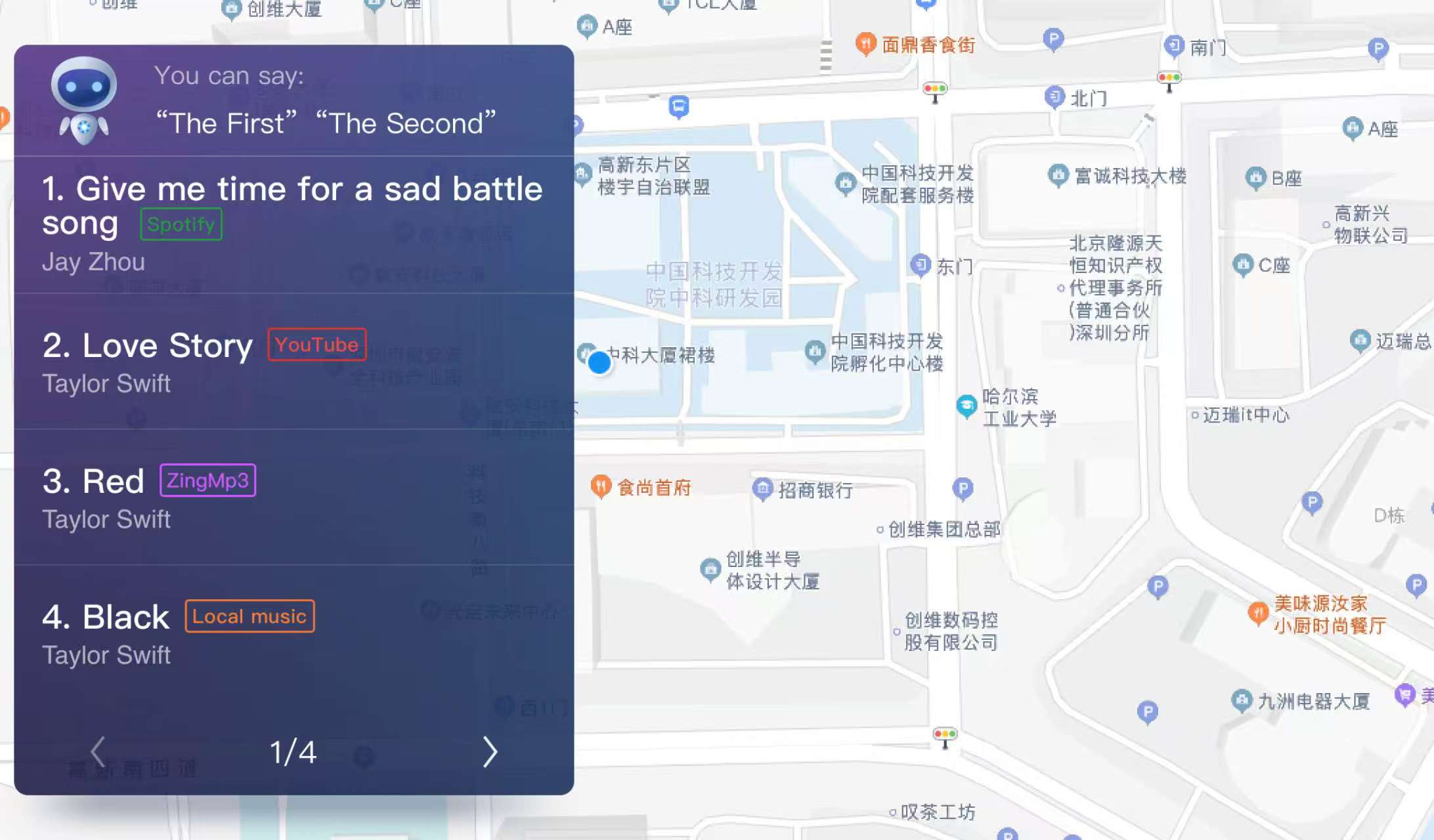
Toppal Voice supports multiple intelligent voice control functions with a clean and user-friendly interface. Below are screenshots of real functional interfaces:
Installation & Activation Tutorial Video
Watch the video and follow the steps to complete the entire process easily.
FAQ & Troubleshooting
| Issue | Solution |
|---|---|
| Activation code invalid or errors | Verify the code matches your software version and device model; contact support if needed. |
| Installation failed or APK won’t install | Check if unknown sources are enabled and storage space is sufficient. |
| Voice recognition inaccurate or slow response | Keep the microphone clean, avoid noisy environments, and retrain the voice model if possible. |
Follow Us
Follow us on Facebook for updates and support: FixMyDash Facebook Page
Why Choose Toppal Voice?
- Enhanced Safety: Hands-free operation keeps you focused on driving.
- Multilingual Support: Suitable for users worldwide.
- Comprehensive Features: Control navigation, calls, music, and more via voice commands.
Download now and start your smart driving experience!
