Щоб забезпечити найкращий досвід, ми використовуємо такі технології, як файли cookie, для зберігання та/або доступу до інформації про пристрій. Згода на використання цих технологій дозволить нам обробляти такі дані, як поведінка користувача або унікальні ідентифікатори на цьому сайті. Відмова або відкликання згоди може негативно вплинути на певні можливості та функції.
Технічне зберігання або доступ є суворо необхідним для законної мети уможливлення використання конкретної послуги, прямо запитуваної абонентом або користувачем, або з єдиною метою здійснення передачі повідомлення через мережу електронних комунікацій.
Технічне зберігання або доступ необхідні для законної мети зберігання налаштувань, які не запитуються абонентом або користувачем.
Технічне зберігання або доступ, який використовується виключно для статистичних цілей.
Технічне зберігання або доступ, який використовується виключно для анонімних статистичних цілей. Без повістки до суду, добровільного виконання вимог вашого інтернет-провайдера або додаткових записів від третьої сторони інформація, збережена або отримана лише з цією метою, зазвичай не може бути використана для вашої ідентифікації.
Технічне зберігання або доступ необхідні для створення профілів користувачів для надсилання реклами або для відстеження користувача на веб-сайті або на декількох веб-сайтах з аналогічними маркетинговими цілями.


















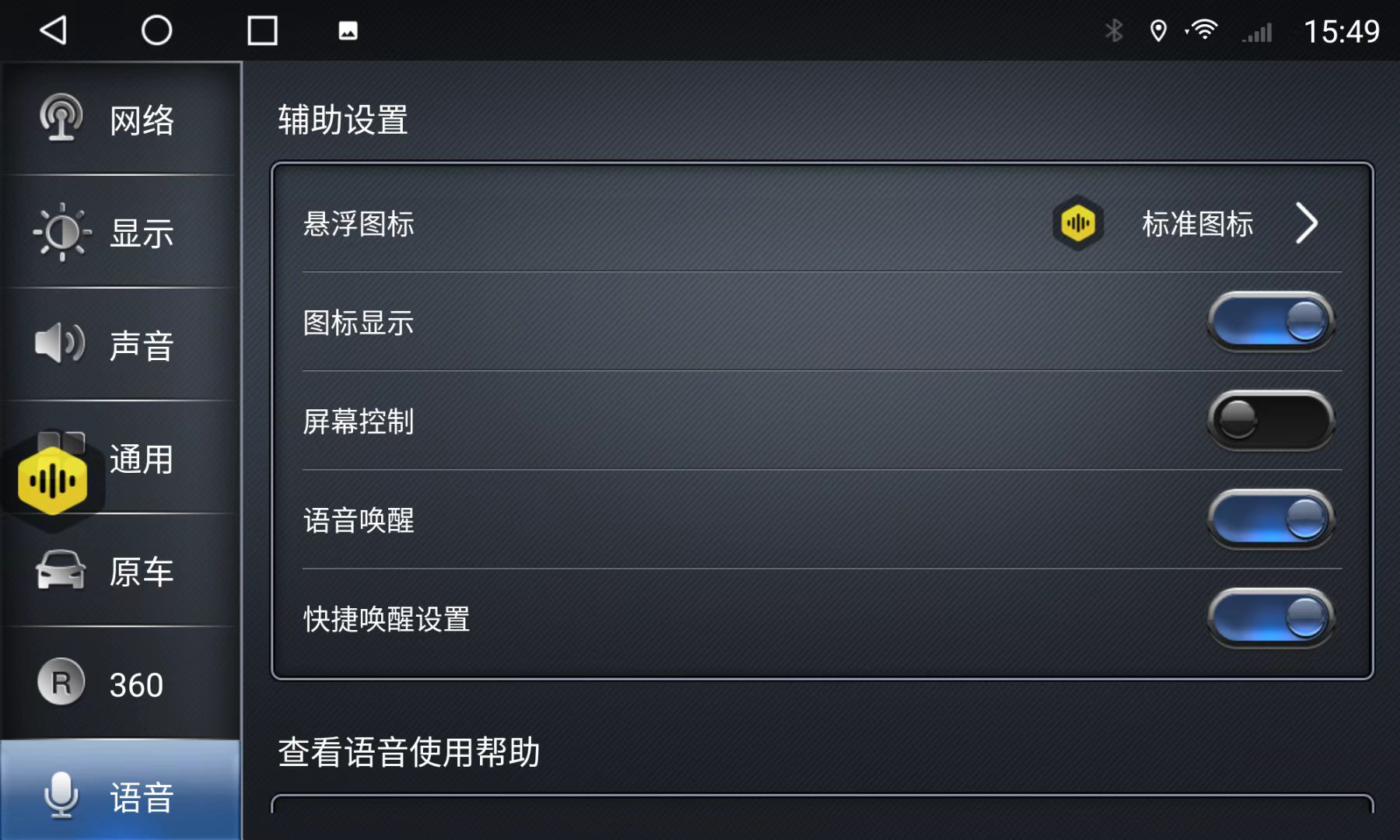
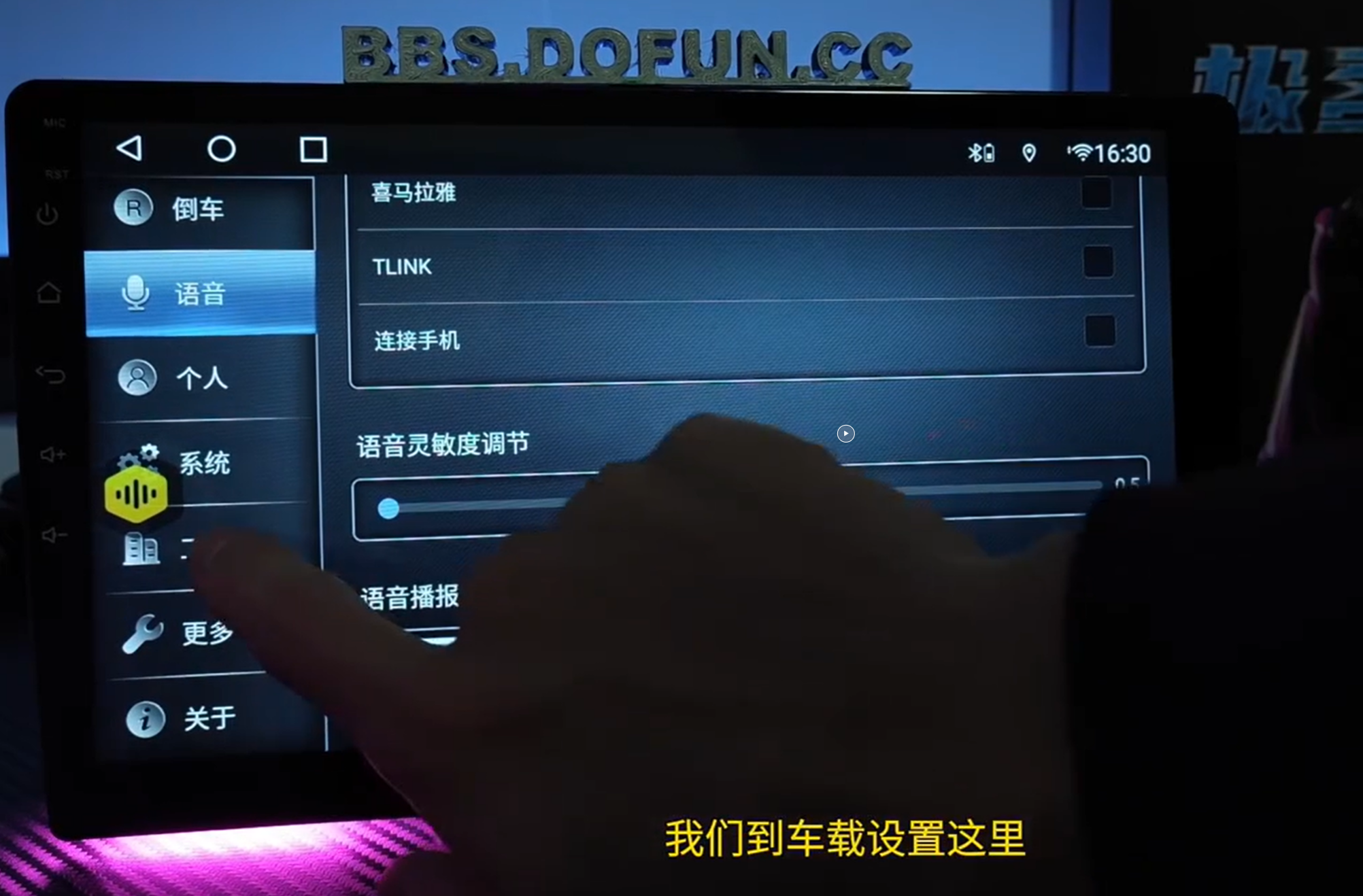
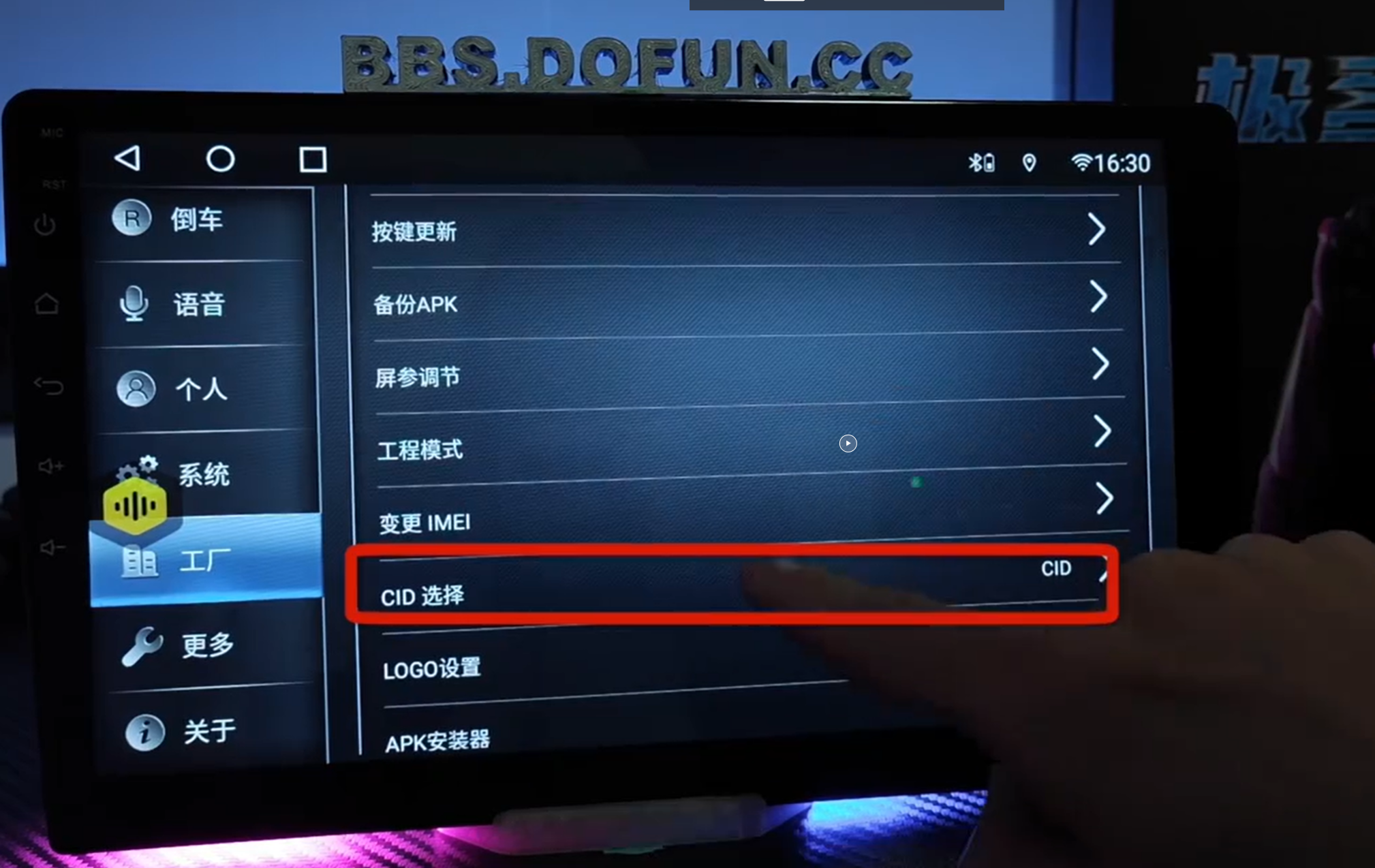
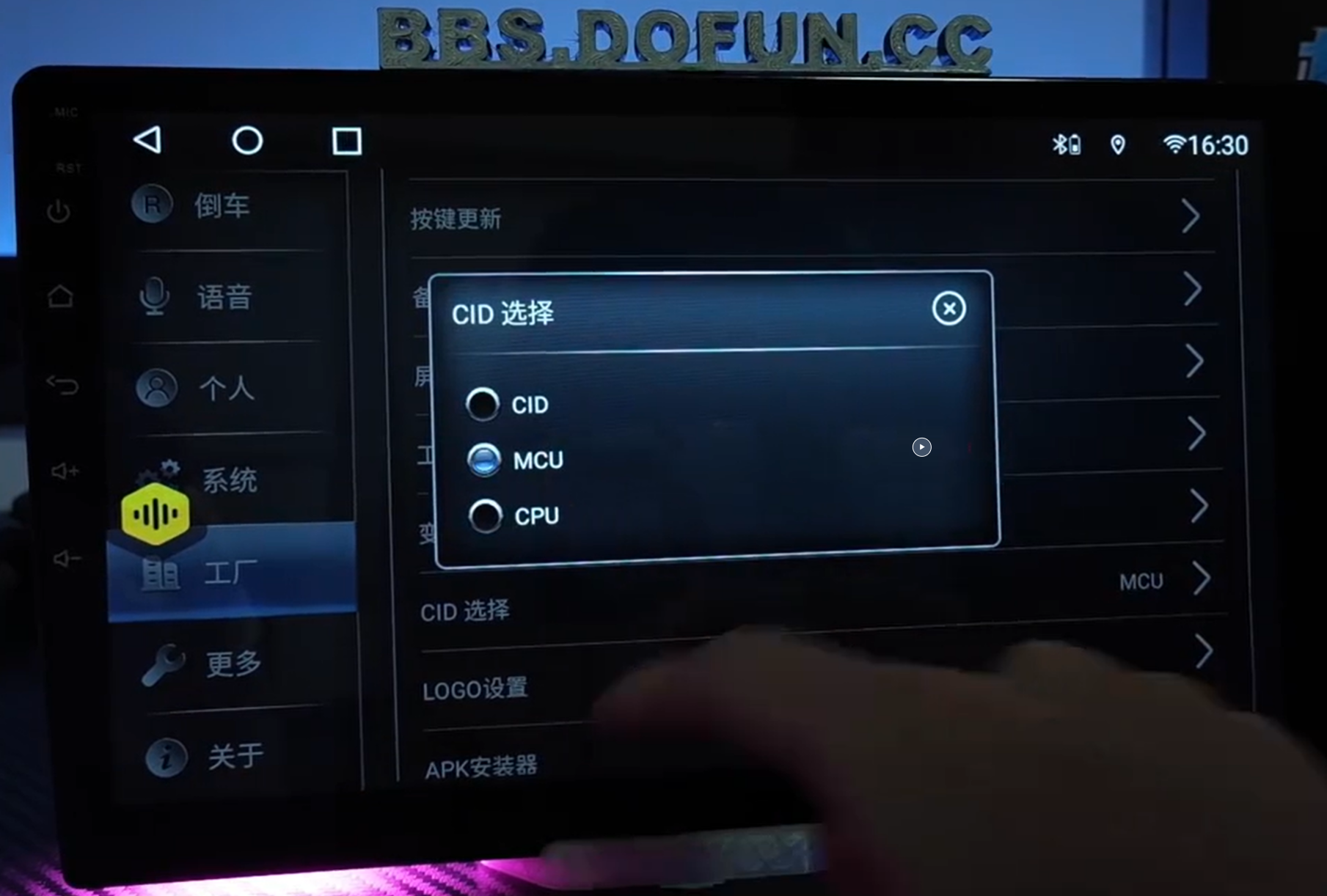
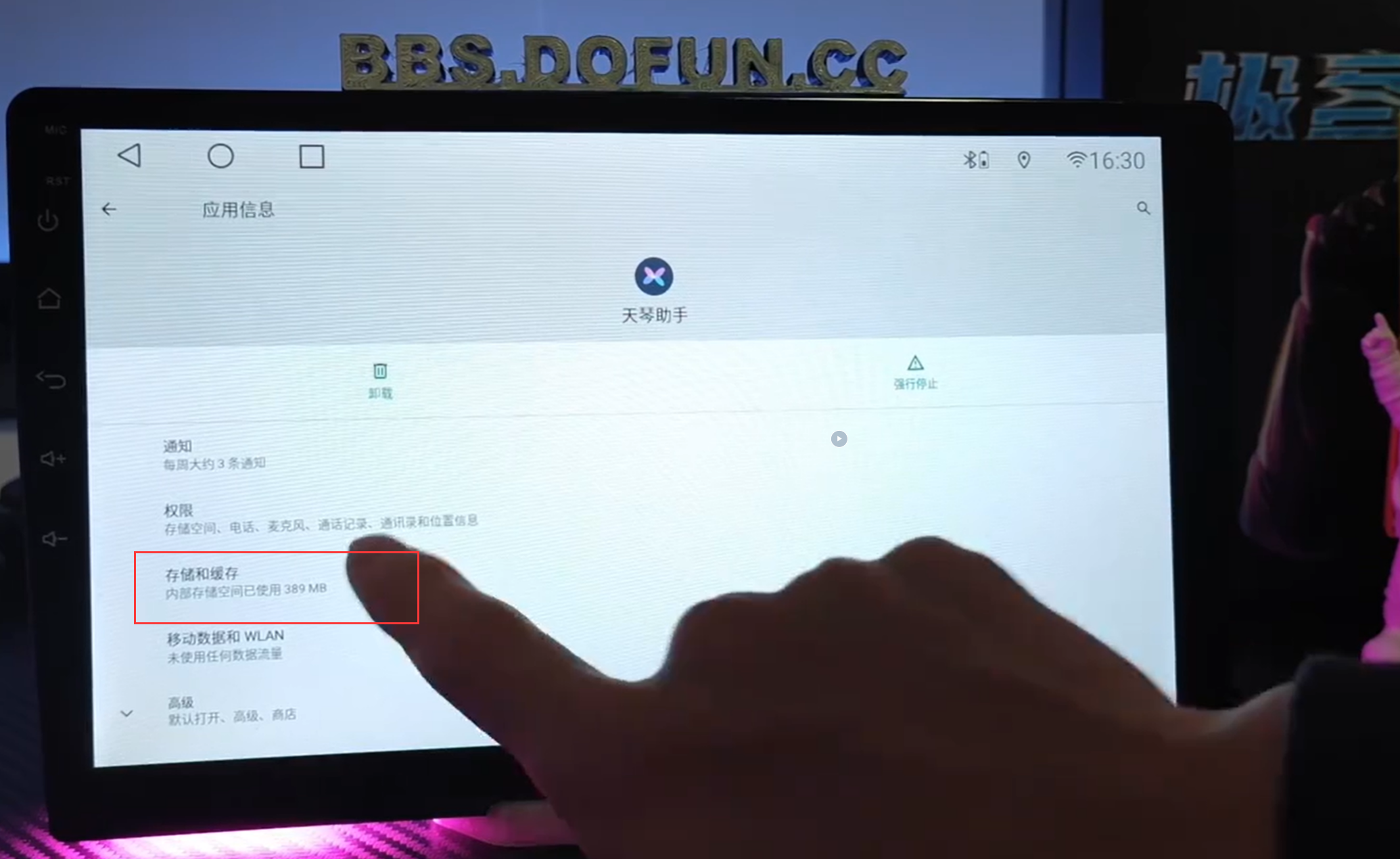
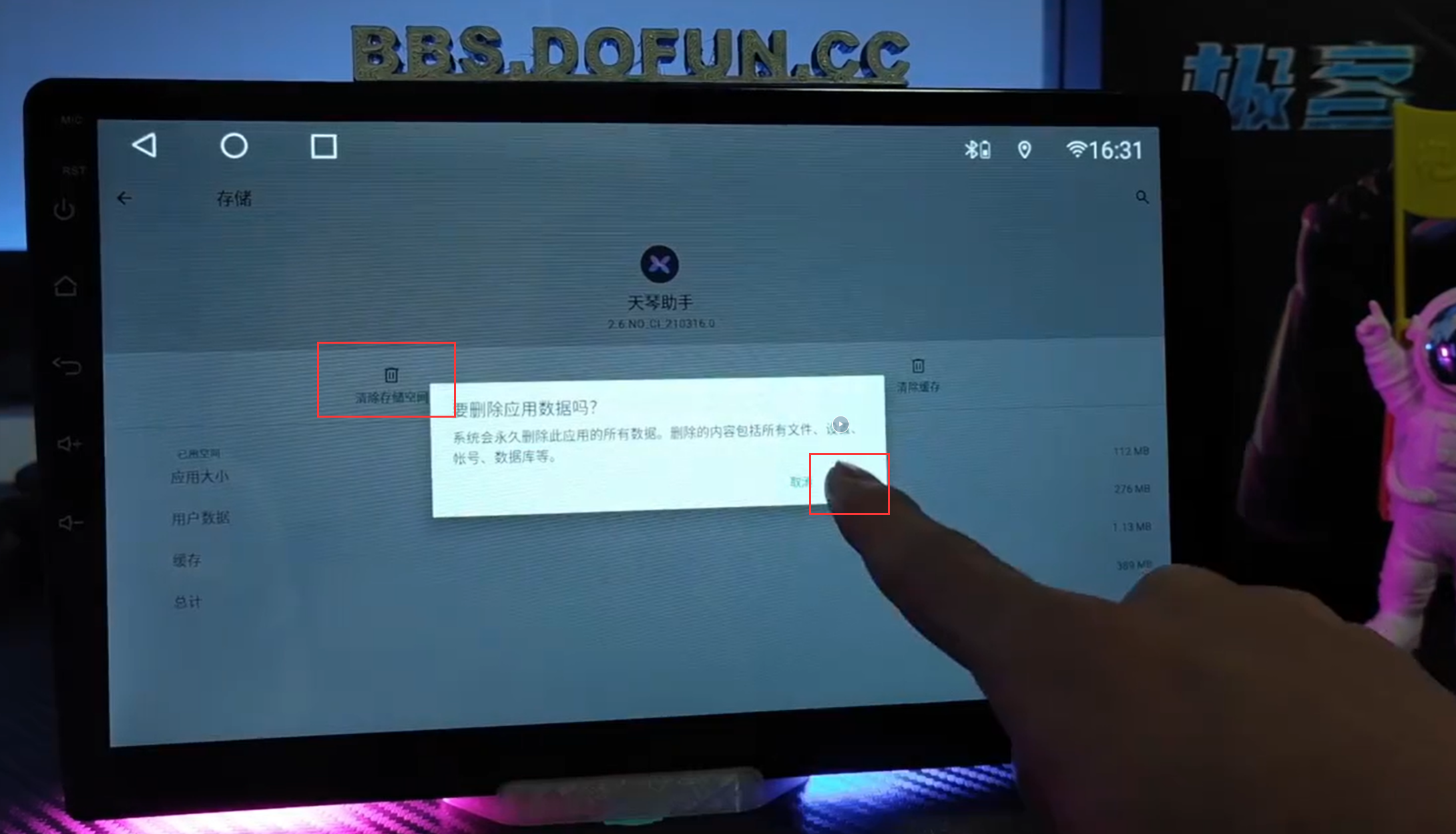
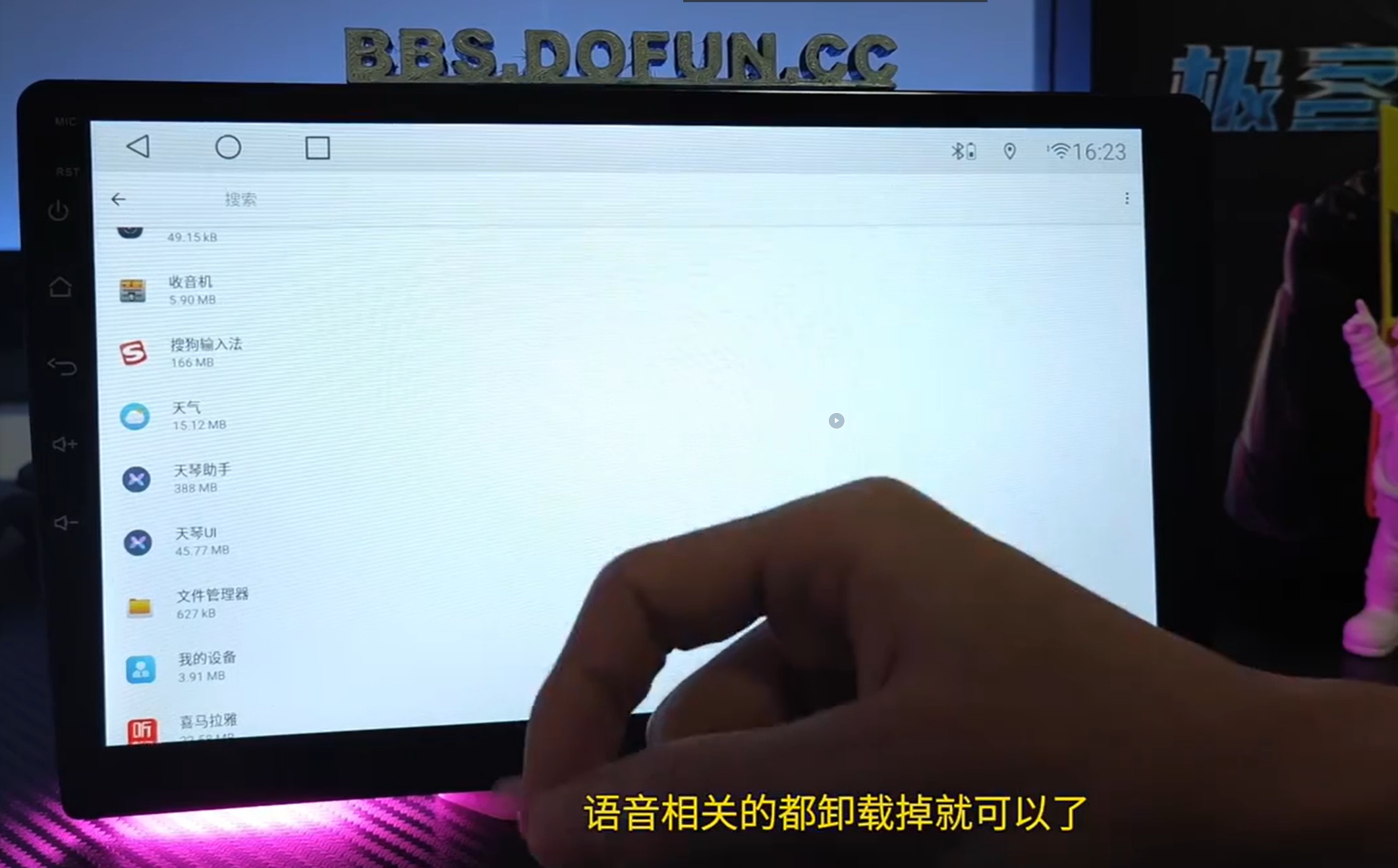
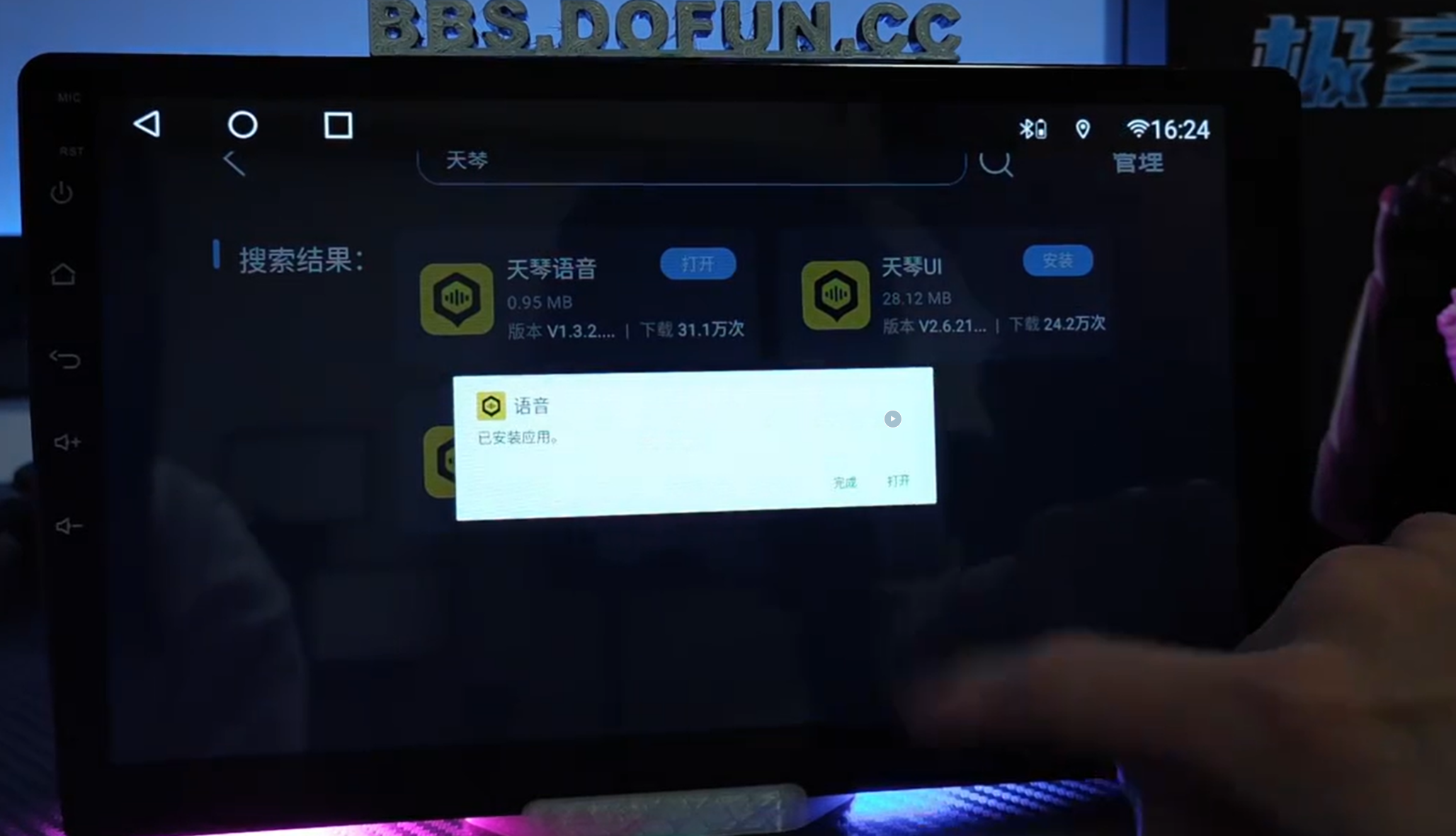
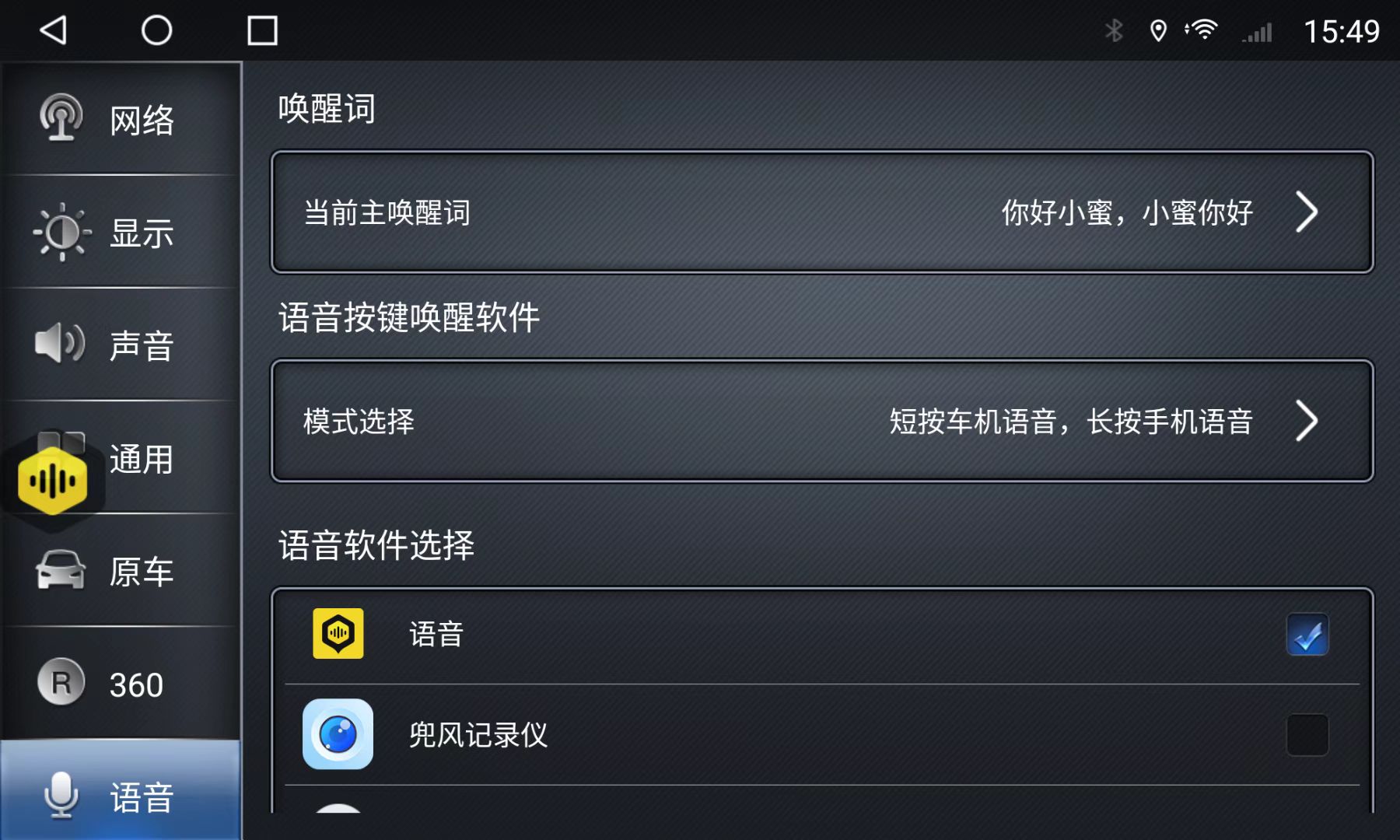 Important: Select the correct voice app; otherwise, settings will not appear.
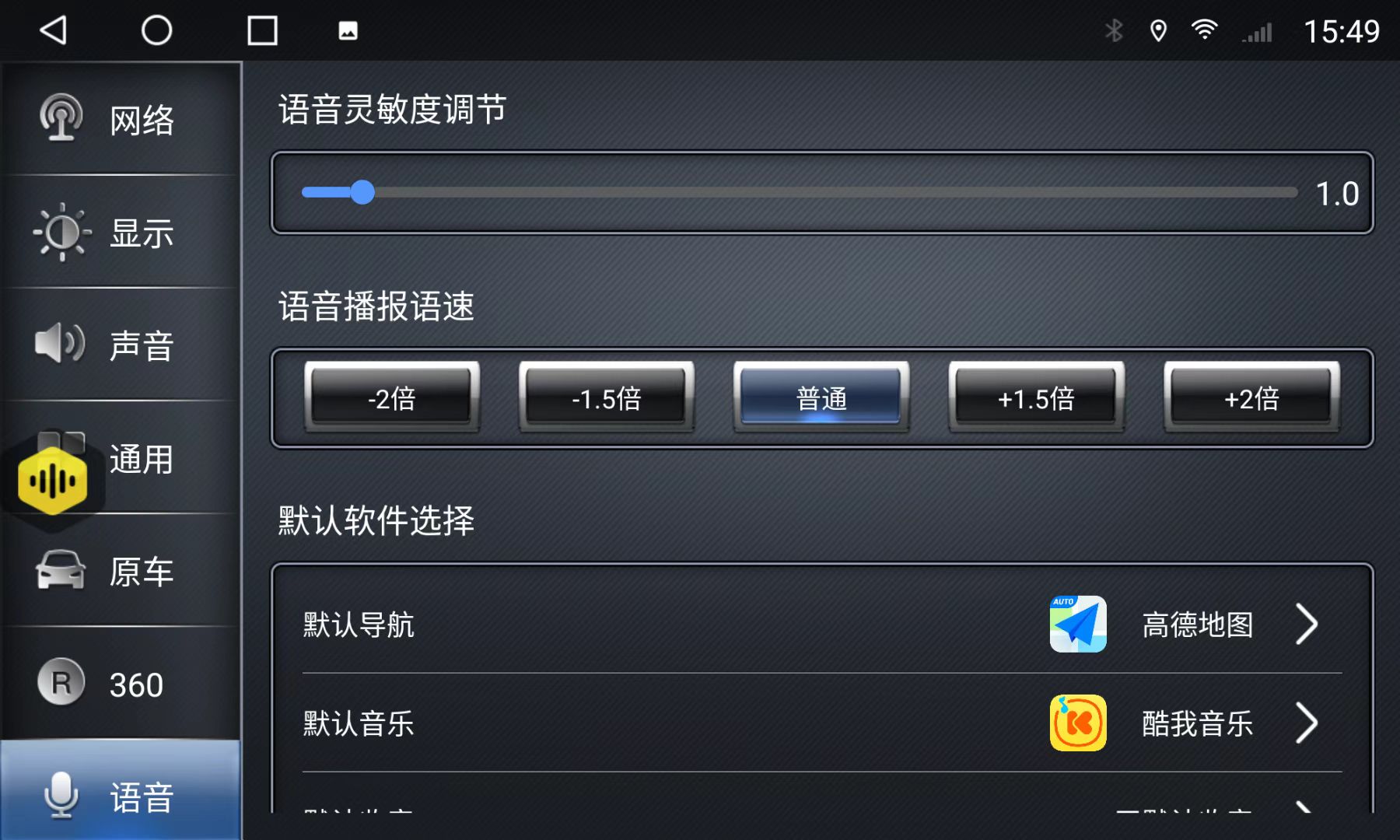 Default App Selection: